Recurring line items
Add monthly aftercare or support plans to the same proposal as the install.
Proposals and e-signature
Build proposals from your products, labour and travel, see the margin as you go, add aftercare plans as recurring lines, and send a polished client proposal your customer can sign online.
Margin
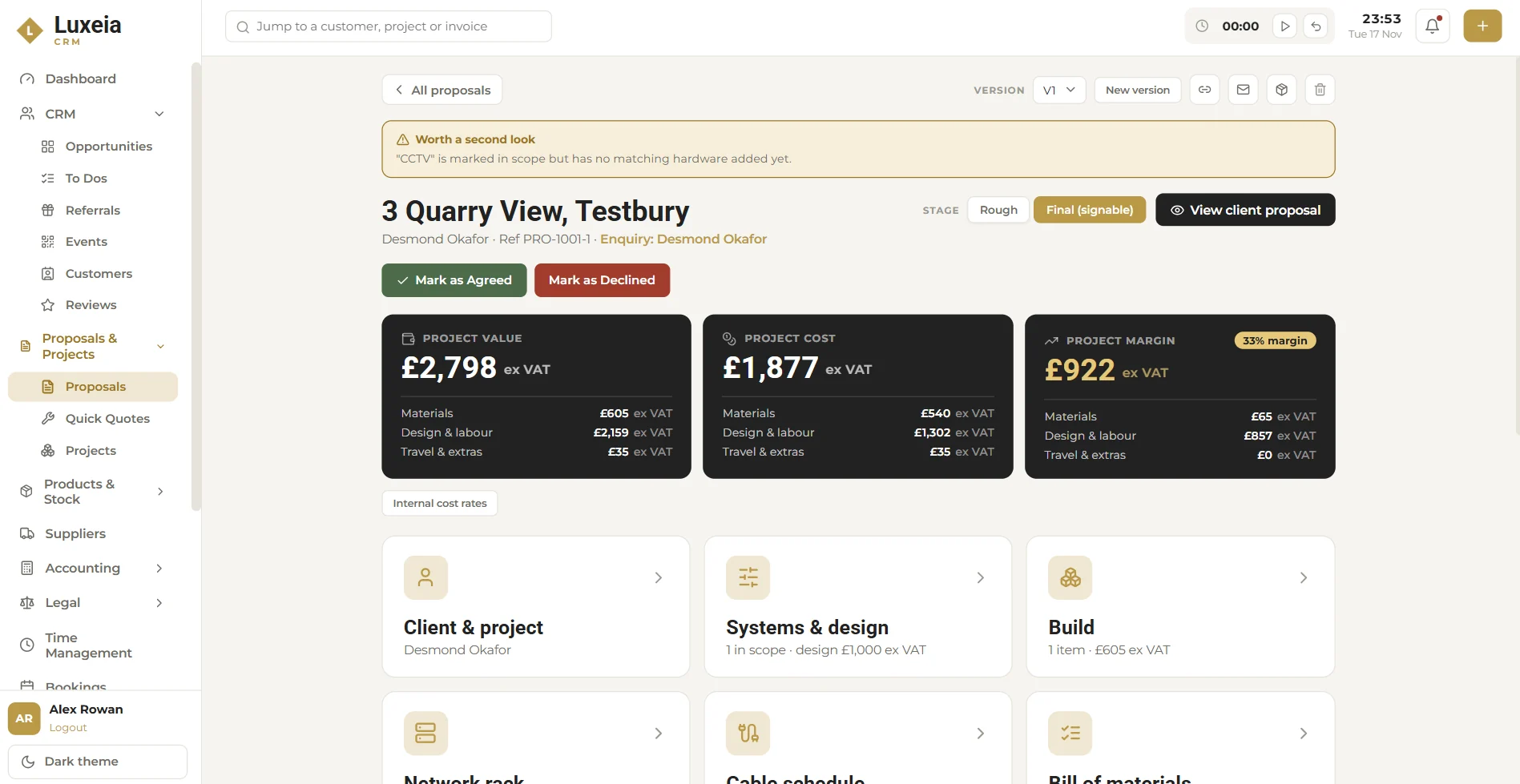
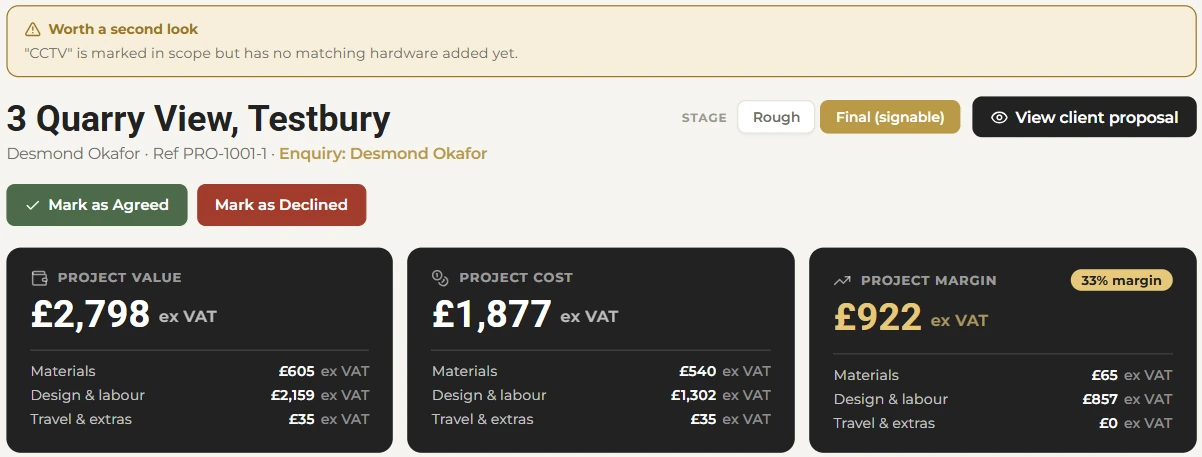
Flow works out what each proposal is worth, what it will cost you and the margin left, broken down into materials, design and labour, and travel and extras. Your internal cost rates sit behind the numbers, so a discount never quietly eats the job.
Structure
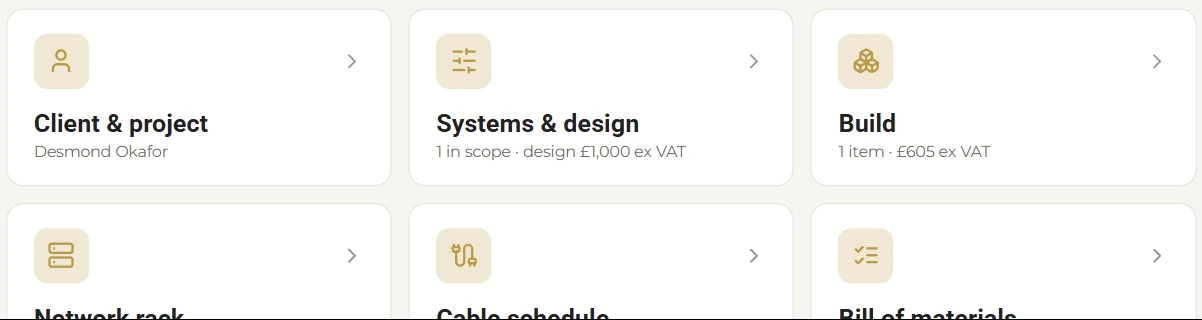
Each proposal is split into the sections an installer actually works through, so nothing is forgotten between survey and sign-off.
Who it's for and where, linked to the enquiry it came from.
The systems in scope and the design fee for them.
Hardware and materials from your product list.
What goes in the rack, planned up front.
Cable runs captured before first fix.
Everything you need to order, in one list.
Checks
Flow flags things worth a second look before the client sees them. For example, if CCTV is marked in scope but no CCTV hardware has been added, you're told. Small checks like this stop expensive surprises after the contract is signed.
Made yours
Add monthly aftercare or support plans to the same proposal as the install.
Set how long proposals stay valid, to suit your suppliers' pricing.
Add watermarks and the fields your proposals need.
Write or upload your own terms. They're yours, and you stay in control of them.
Clients review a clear proposal and sign online. No printing, scanning or chasing.
Smaller jobs get a faster route, without building a full proposal.
FAQ
Yes. Final proposals are signable online through the client-facing proposal view.
Yes. Proposals support recurring and subscription line items alongside one-off hardware and labour. See recurring revenue.
You do. Each business writes or uploads its own legal wording, and remains responsible for it.
Proposal values, costs and margins are shown ex VAT while you build, so you're always looking at the numbers that matter for margin.
Start a 30-day free trial. No card needed. Or book a demo and we will walk you through it.